Ahmad Ali Ahmad Othman - Section 1
Task 1 - Installing Linux on a virtual machine
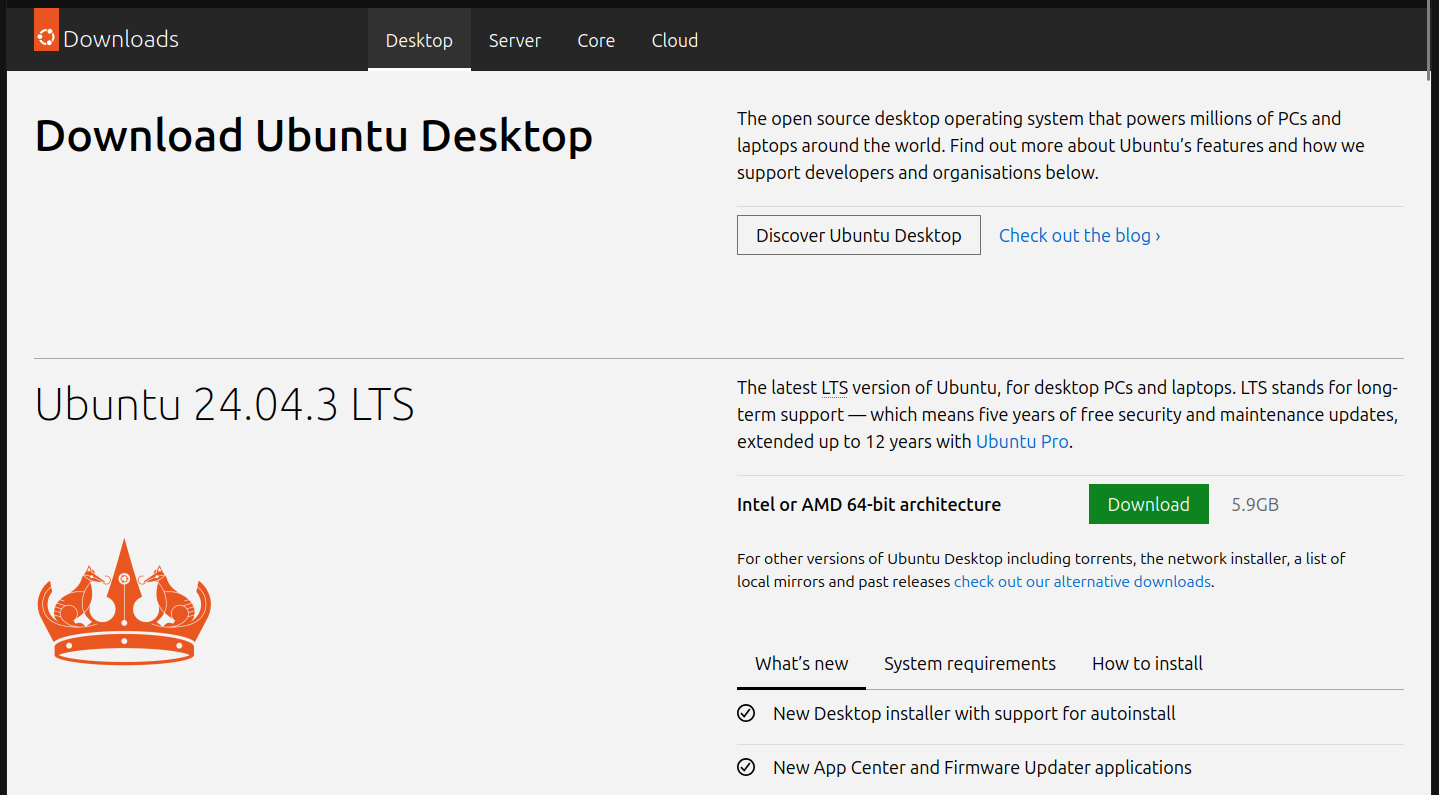
Step 1: Choose a distribution and download its the installation iso
For this task I will choose Ubuntu 24.04, I already downloaded the iso from the official website.
Step 2: Create a virtual machine with Ubuntu
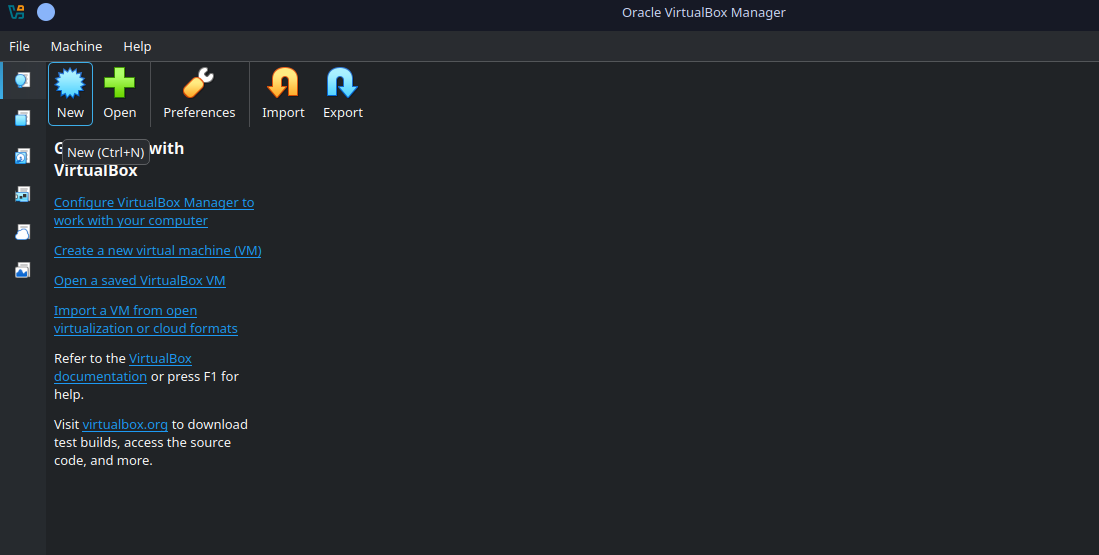
I will go with Oracle's VirtualBox for simplicity.
Creating a new virtual machine
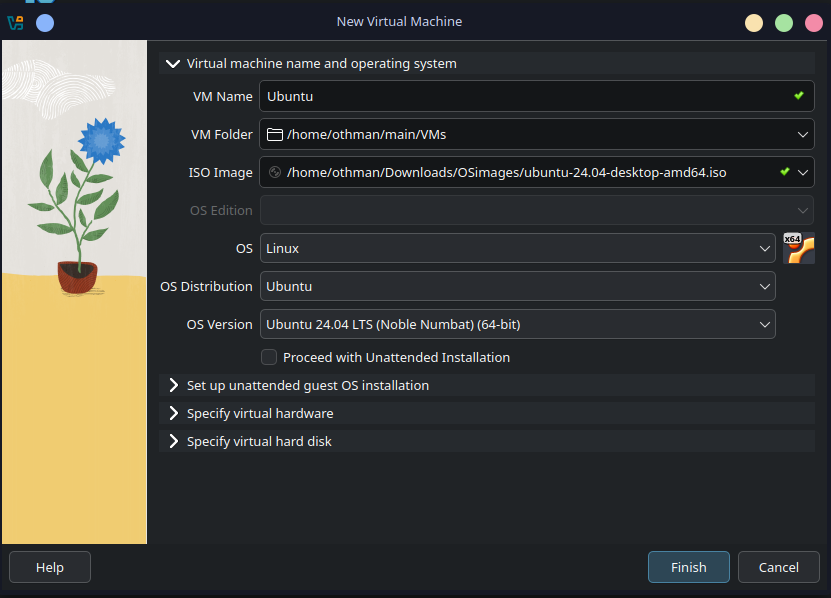
Choose the ISO image file
Configure RAM and CPU cores
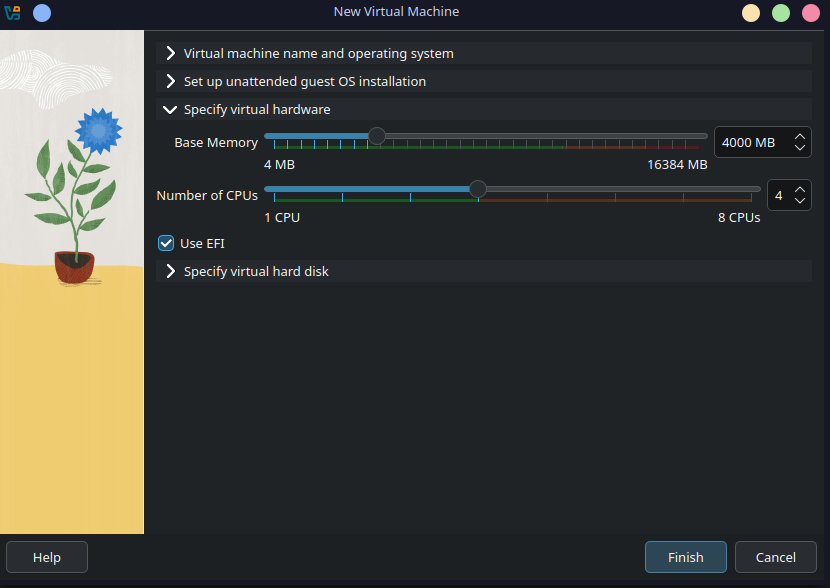
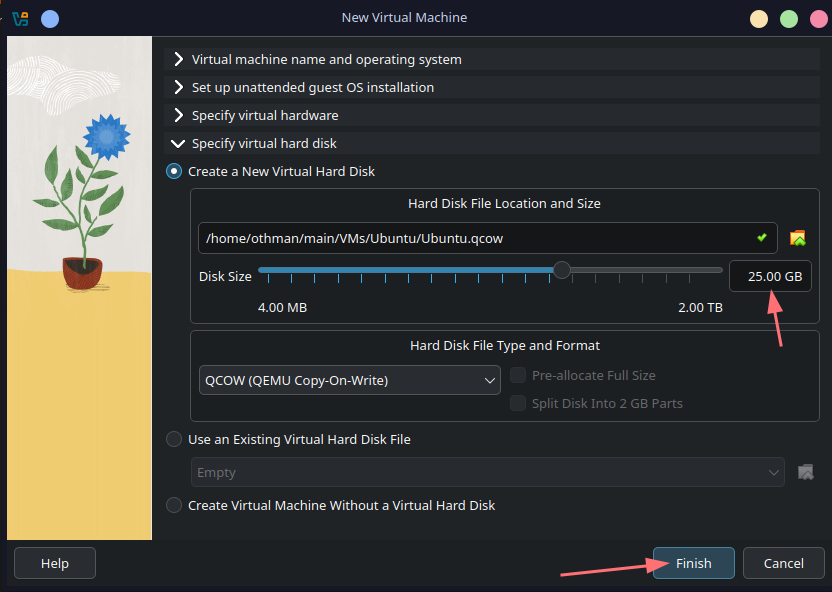
Configure storage and virtual hard drives
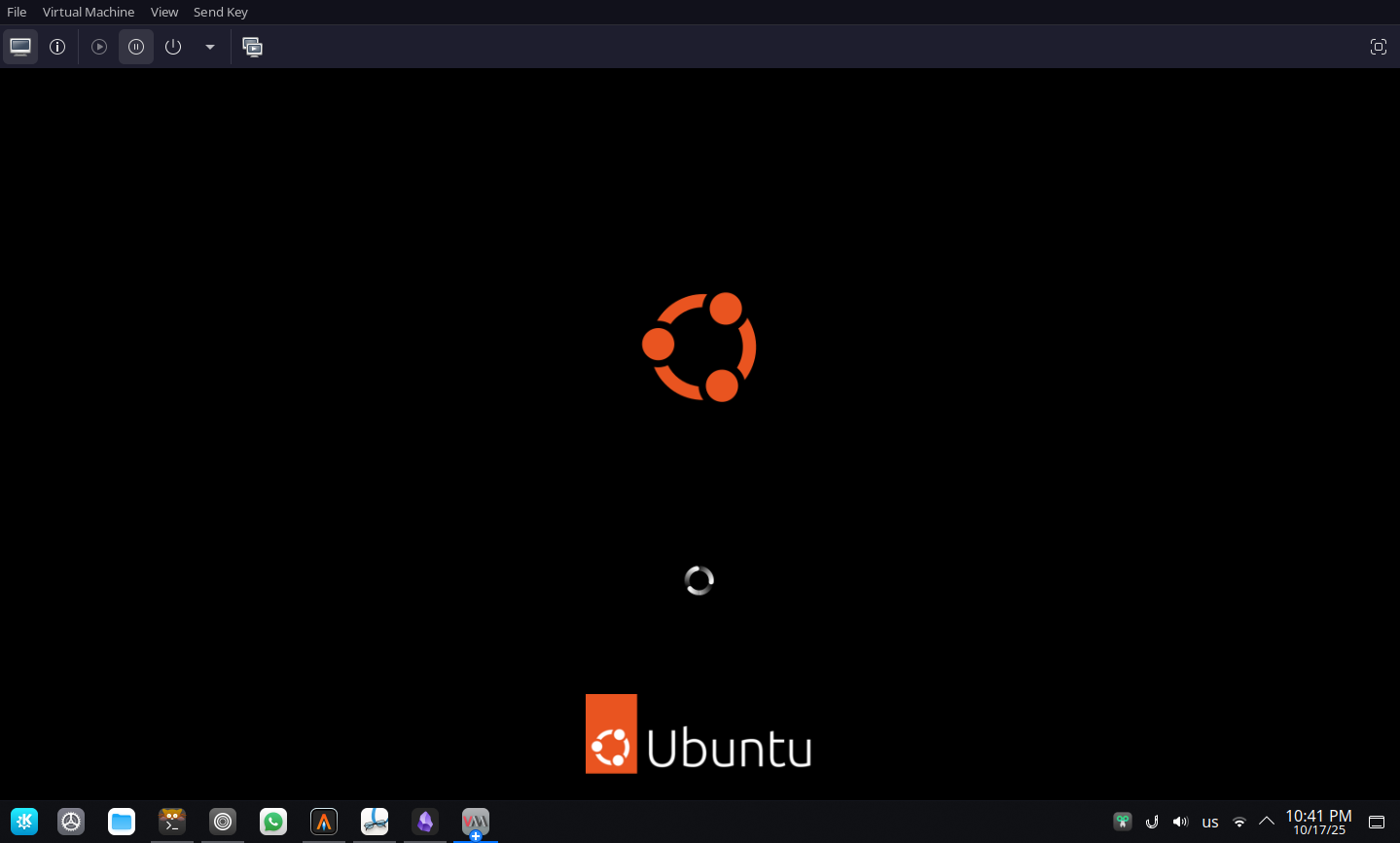
Start the virtual machine and boot into Ubuntu
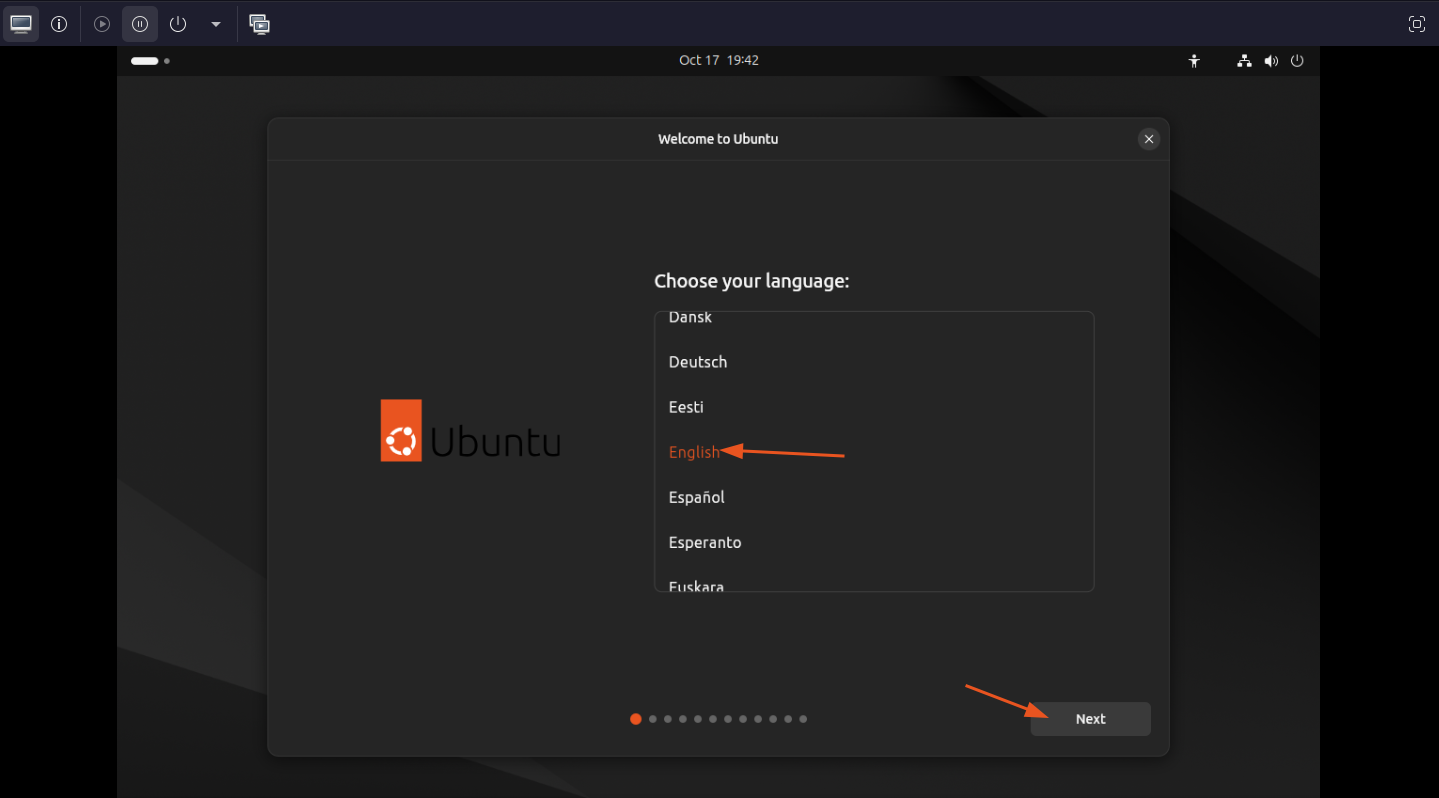
Choose system language
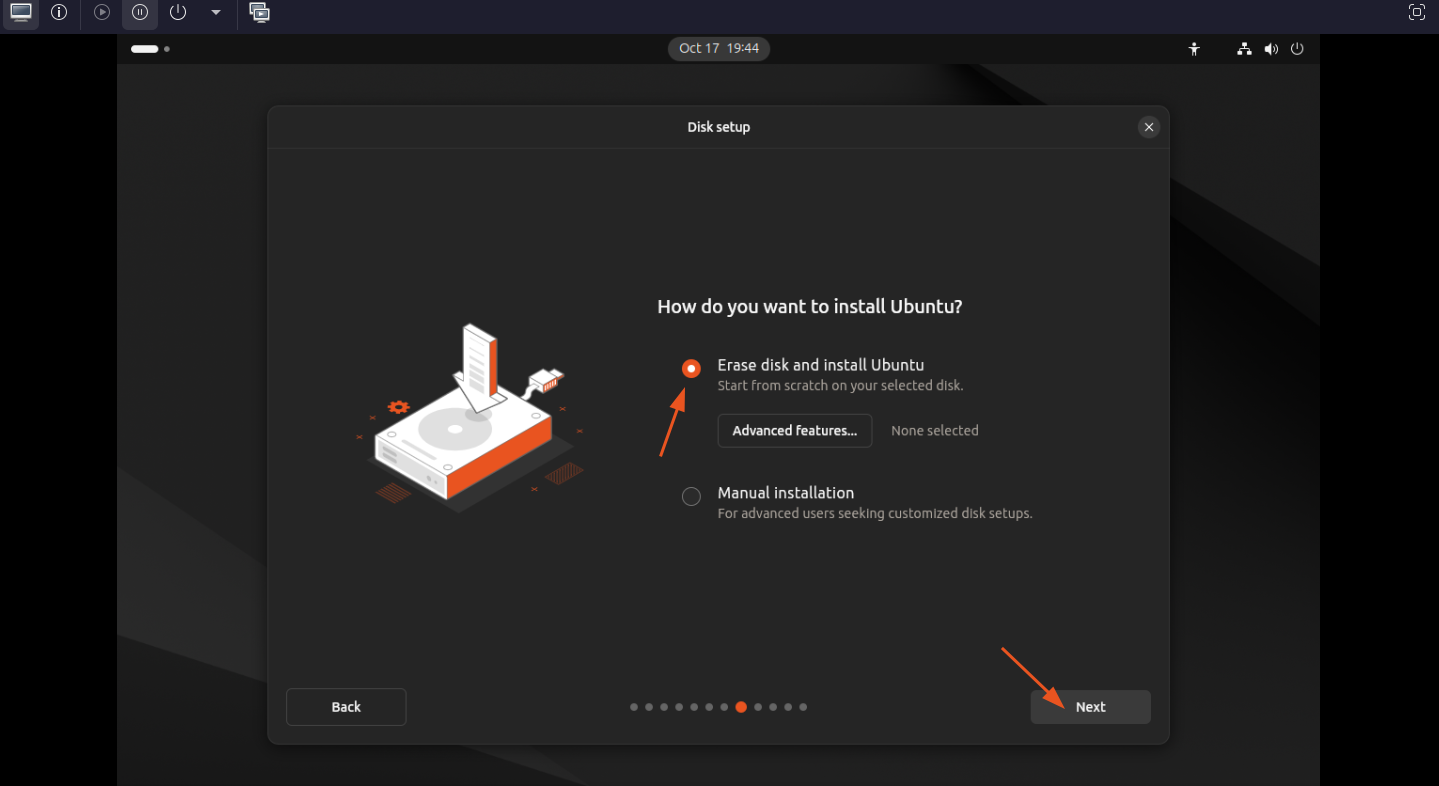
Choose whether to erase the whole disk or partation manually
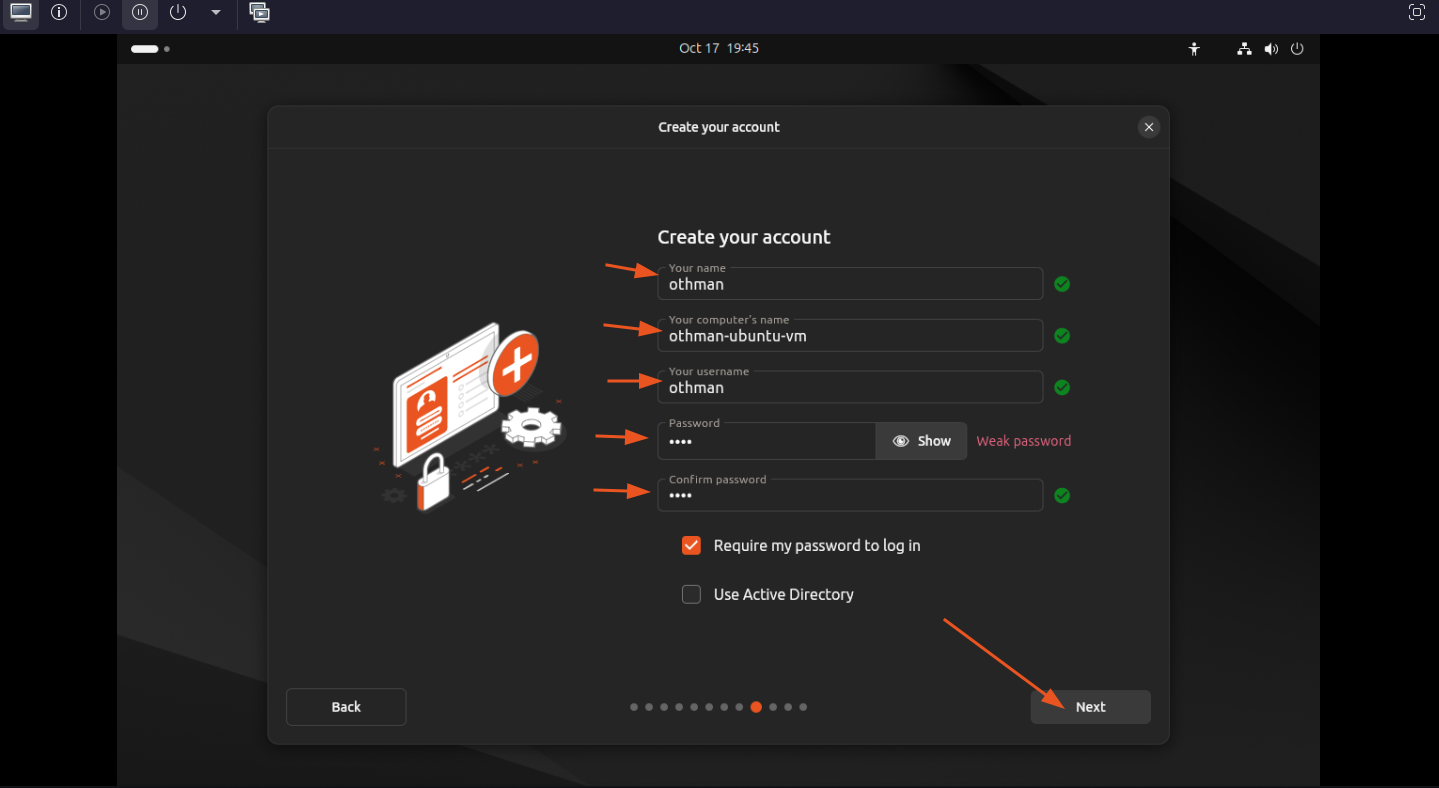
Configure your username, hostname, and password
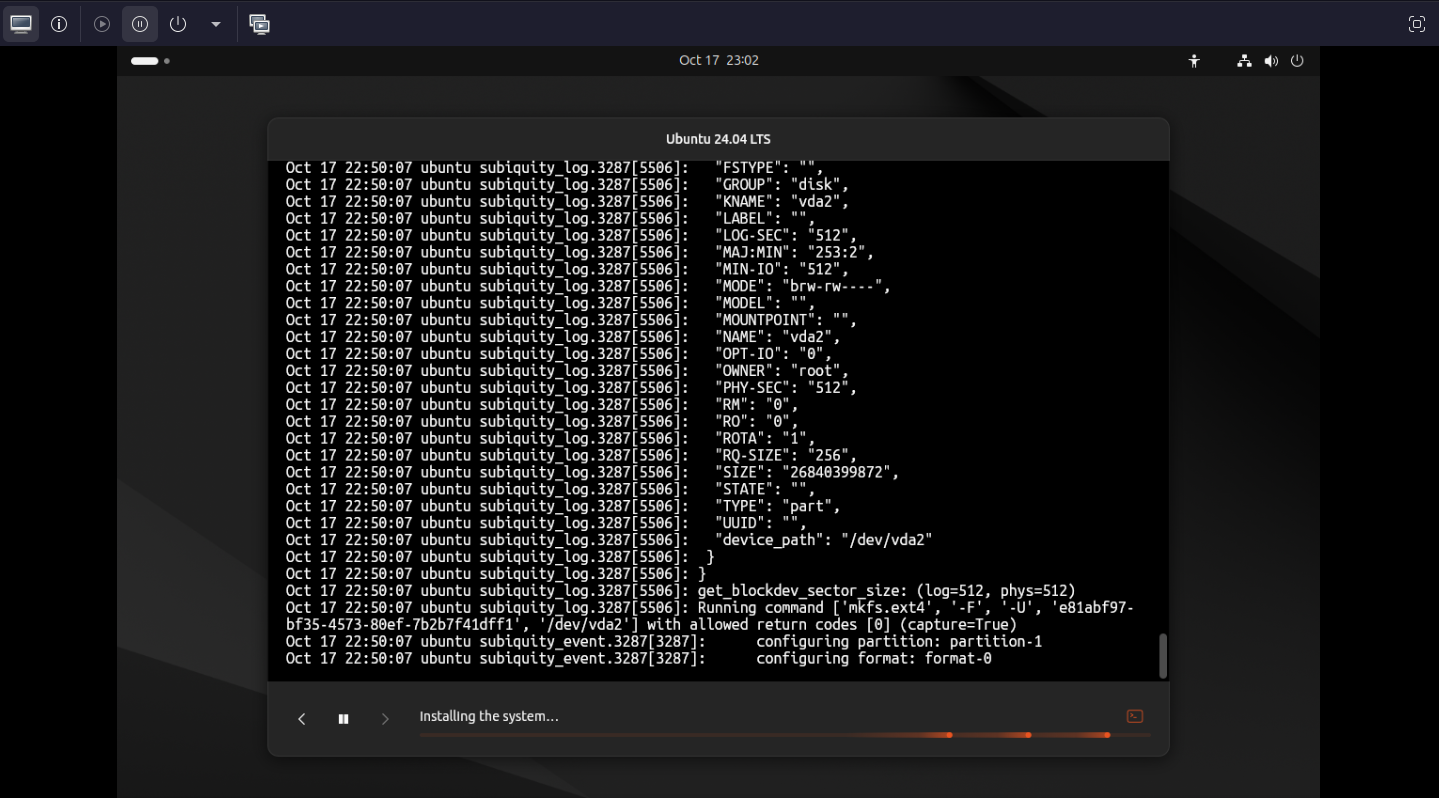
Wait the installer to finish
Step 3: Reboot the system and open Ubuntu
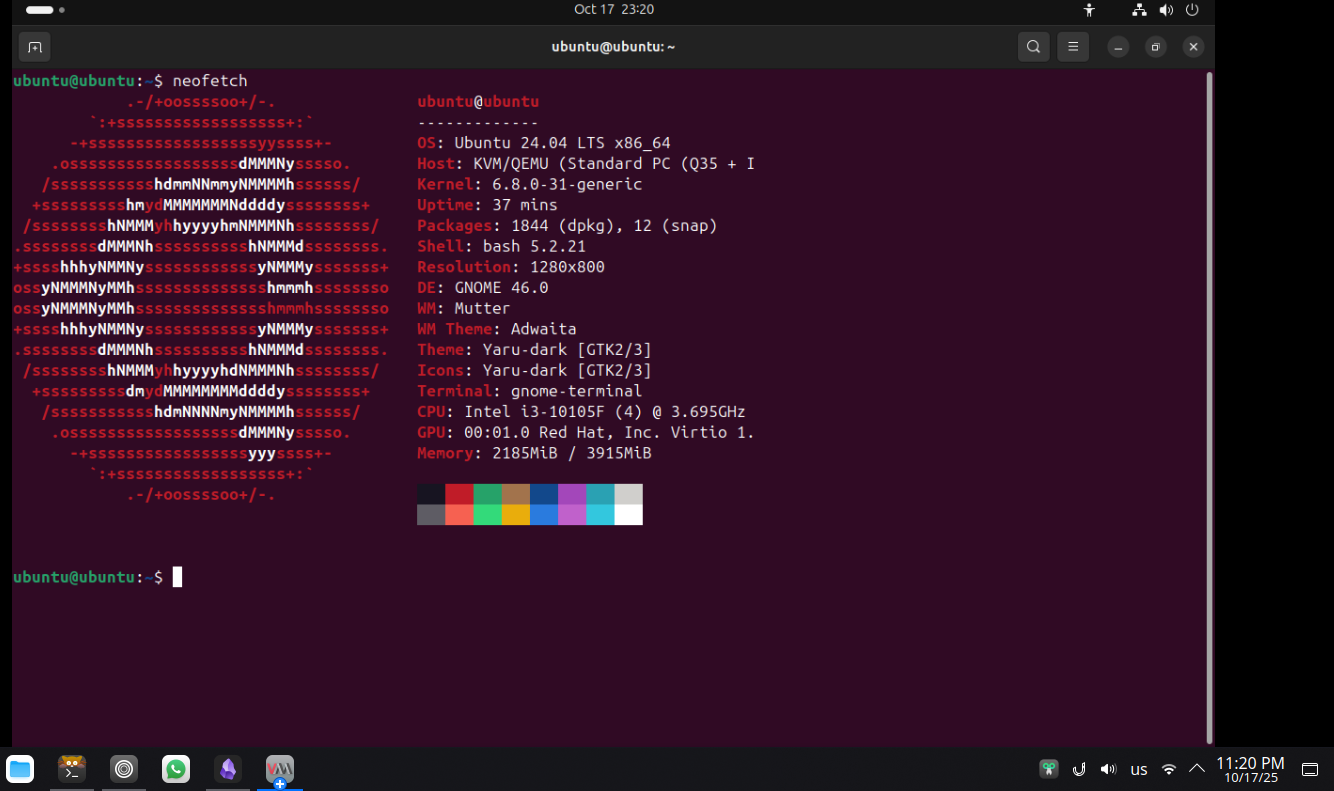
Now we have Ubuntu up and running.